
VR/AR DEVICE MANAGEMENT
End-to-end control of your XR devices
Manage headsets with an MDM designed for XR.












ManageXR is the foundation for education and enterprise VR worldwide
Countries
Fortune 500 companies
School Districts
Purpose-built for every step of your VR program
Deploy
Manage
Scale
DEPLOY
Get every device up and running in minutes
No box-by-box setup. Enroll and configure your whole fleet at once.

Low-touch enrollment
Enroll via the Device Setup Tool, self-service configuration codes, or — for Meta devices — directly through Meta Horizon Managed Services with no computer and no consumer Meta account required.
Configure once, apply everywhere
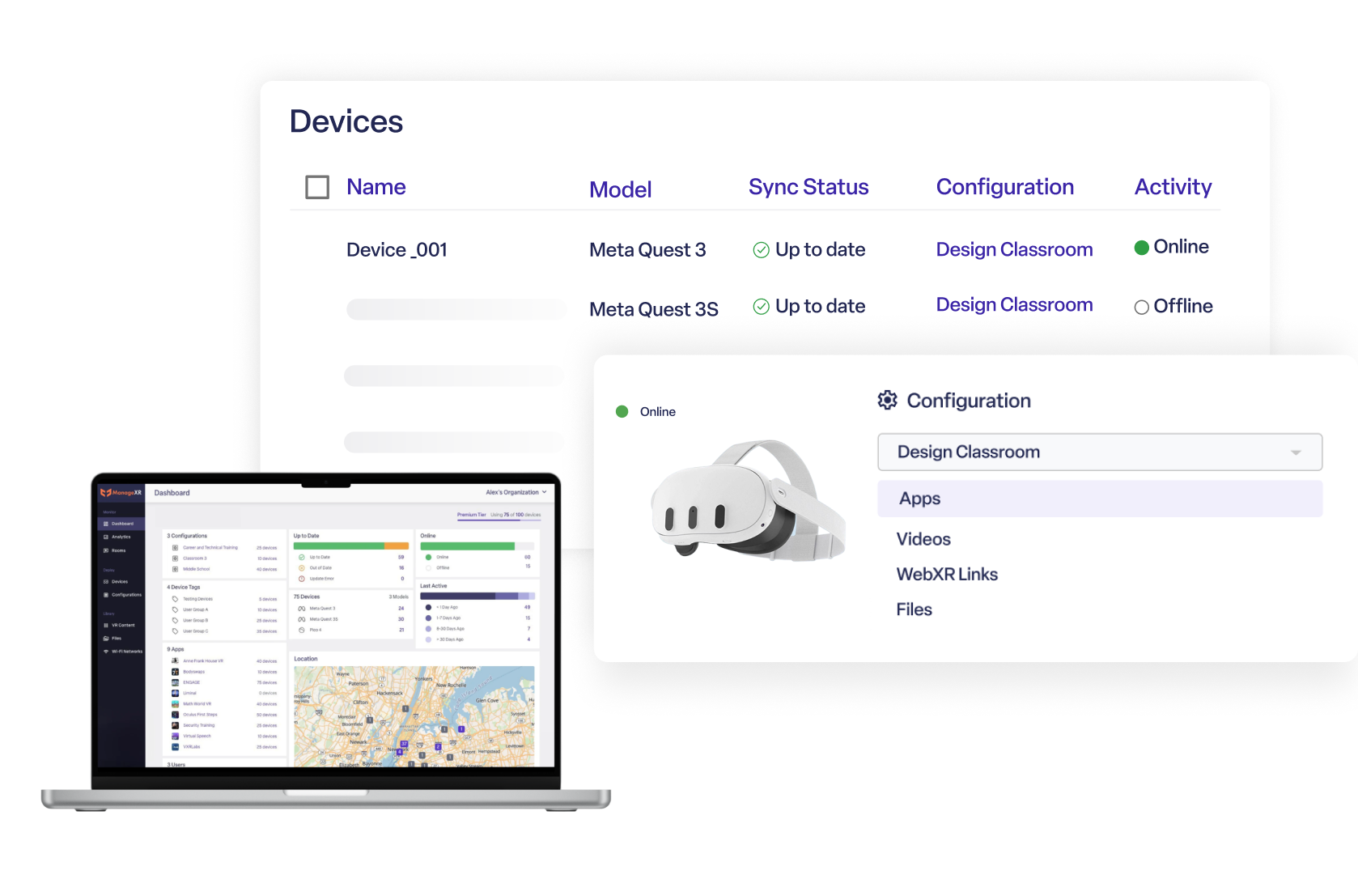
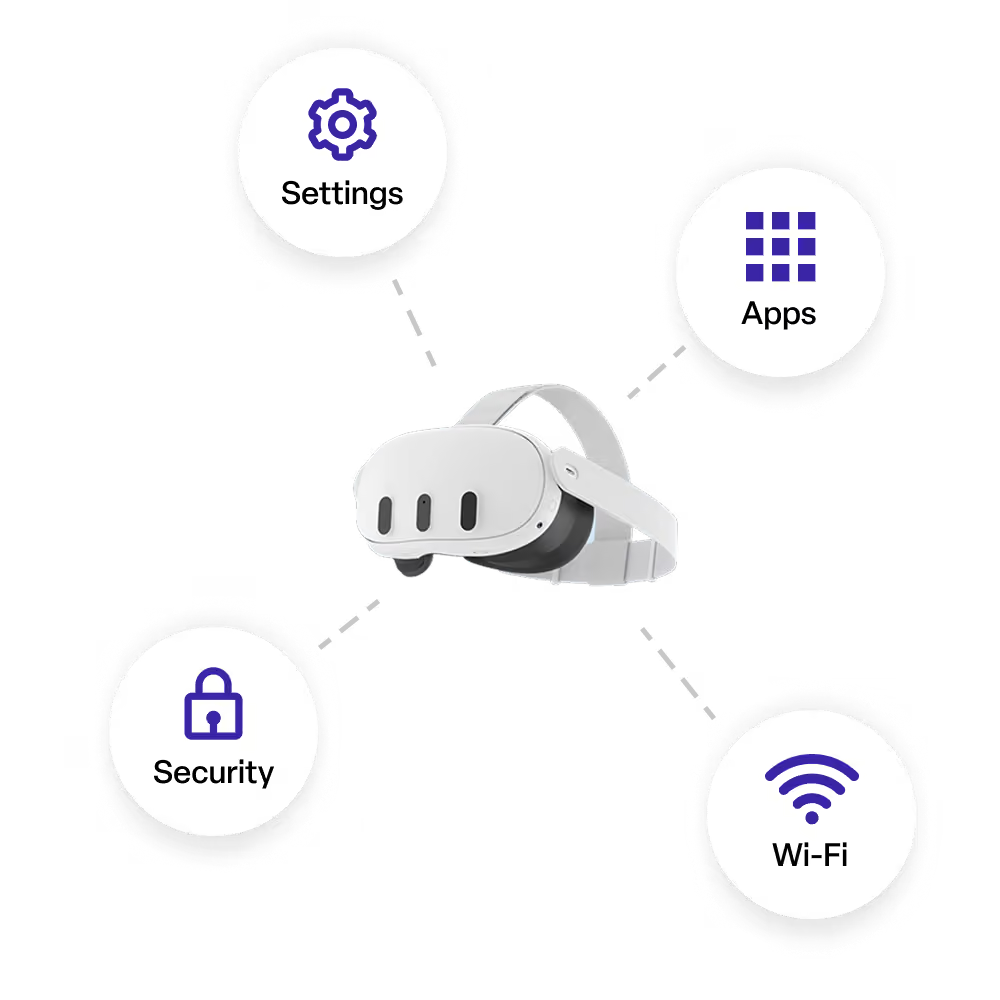
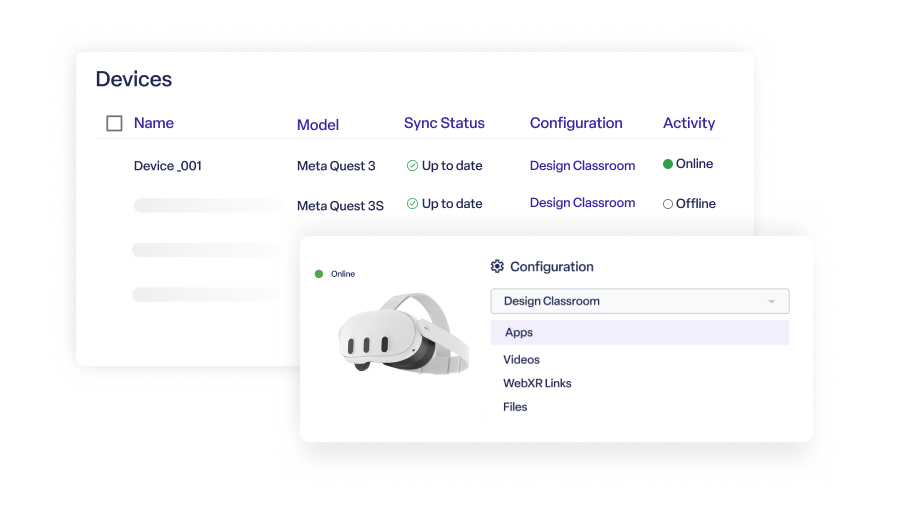
Configurations bundle apps, Wi-Fi, and device settings into a single primitive. Edit it once and every assigned device syncs automatically, online or not.
Enterprise Wi-Fi, handled
Full CA and Authentication certificate support (EAP-TLS) for networks that require it, with automatic format handling.
MANAGE
See and control your entire fleet, remotely
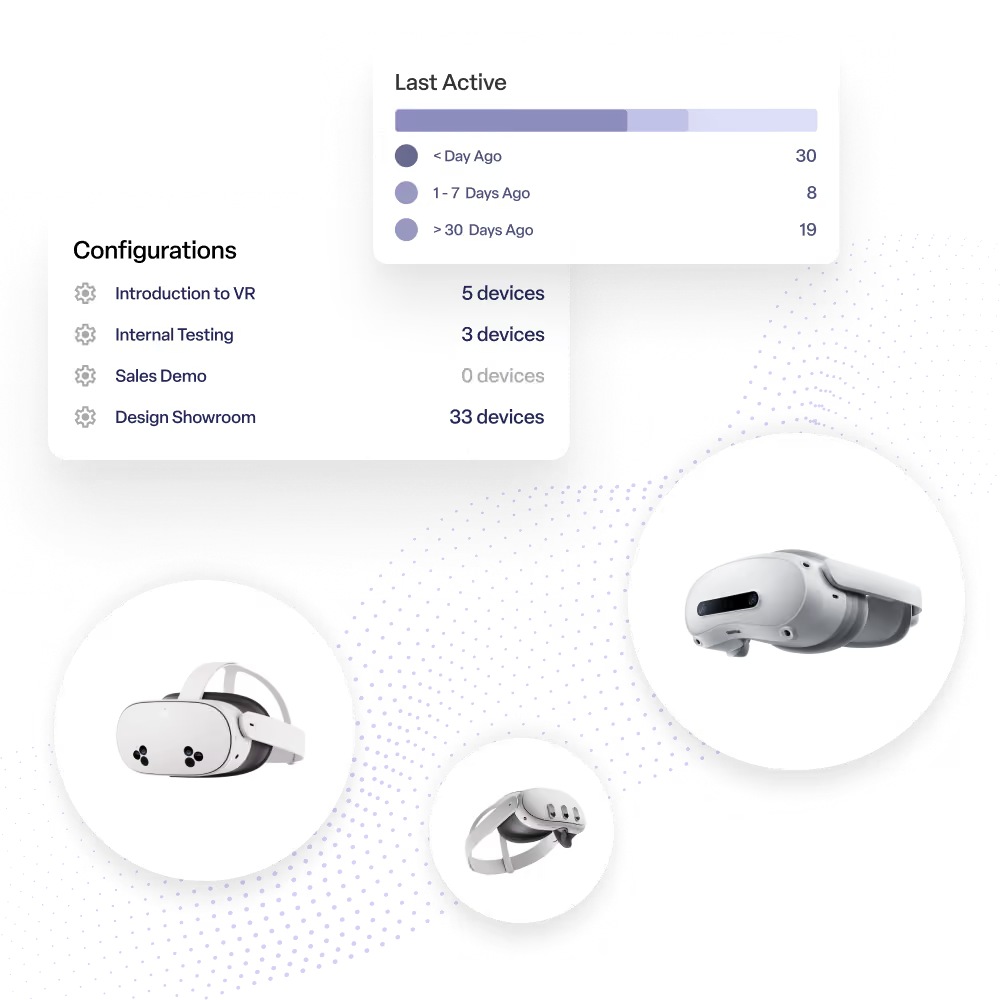
Know what's happening with every device from one centralized dashboard
Access comprehensive device information
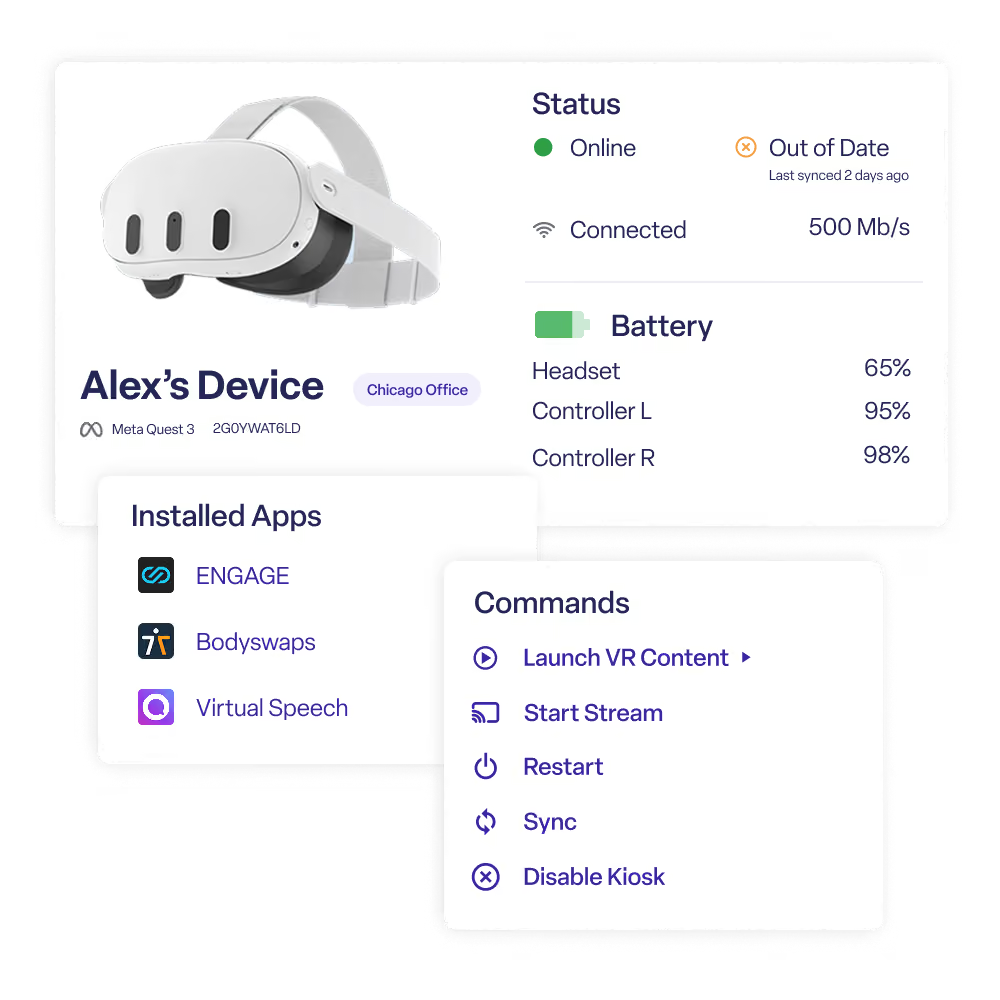
Monitor device health, firmware, Wi-Fi, location and more. See which devices are low on battery or need updates.
Real-time control over your headsets
Launch apps, stream or cast, adjust volume/brightness, factory reset, restart and more.
Keep things organized
Group devices and apply changes however you need to- by tag, location, device type and more.
SCALE
Built for deployments that grow
Everything you need from pilot to production
Deploy faster
Streamline device setup with tools that make rolling out hundreds of devices just as easy as ten. Update devices 5x faster with app patching.
Stay organized
Flexible device grouping and role-based permissions keep large deployments manageable and secure across different sites.
Get help when it matters
Work with a team that has deployed thousands of devices and understands the challenges of managing enterprise VR fleets.
Compatible with the leading VR & AR headsets.










FAQs
What headsets does ManageXR support?
ManageXR supports a wide range of Android-based standalone XR headsets including Meta Quest, PICO, HTC VIVE, DPVR, Samsung Galaxy XR, XREAL, and more.
Can I manage hundreds or thousands of devices?
ManageXR is built for organizations managing anywhere from a handful of devices to thousands across multiple locations. Bulk enrollment, device groups, policies, and remote actions let administrators manage large fleets efficiently.
Can devices be organized by location, customer, or team?
Yes, organize devices however your business operates: by site, department, customer, classroom, region, or any other grouping. This makes it easy to apply settings, deploy content, and monitor devices at scale.
Can I remotely configure devices?
Yes. ManageXR lets you remotely configure Wi-Fi, security settings, kiosk mode, permissions, firmware versions, files, applications, and more without physically handling the headset.
How are devices kept secure?
ManageXR includes enterprise security controls such as kiosk mode, USB restrictions, developer mode controls, password protection, audit logs, remote wipe, and role-based permissions to help protect both devices and organizational data.
Can I deploy apps and updates remotely?
Yes. Remotely deploy public store apps, private applications, files, videos, and other content to individual devices or entire fleets. Schedule updates, target specific device groups, and control when new versions are released.
Can ManageXR integrate with our existing systems?
Yes. ManageXR provides an API that allows organizations to automate workflows and integrate device management with internal systems, applications, and enterprise processes.
Experience a simpler way to manage VR
Start a 30-day free trial. No credit card required.

