Manage XR devices at any scale.
Deploy and update XR content remotely.
Lock devices into the right experience.
Guide group VR sessions with ease.
Measure device usage and prove ROI.
Embed XR management into your platform.
AI copilots, remote assist, and automatic documentation.
Lorem ipsum dolor sit amet consectetur elit
8 min read
Turn headsets into powerful learning tools
Manage the user experience at scale
Secure devices for clinical-ready use
Implement technology with security
Buy devices from vetted resellers
Demo apps or custom content
Set up your deployment for success
Get the latest insights and trends
See ManageXR in action
Meet the ManageXR team
View tech docs and guides
Get top-rated support from experts
See what’s ahead and submit requests
Try an interactive product demo
Learn about the company and team
ManageXR product in the news
Hear thoughts from our customers
Join our ecosystem of partners
Learn about the team
ManageXR in the news
Hear from our customers
Join our ecosystem
Save apps from the Meta Horizon Managed App Store and deploy them to your Quest devices. Easily deliver popular VR apps for education, training, collaboration, and more to your users!
Learn what HMS is and how it unlocks Quest devices for business and education.
min read
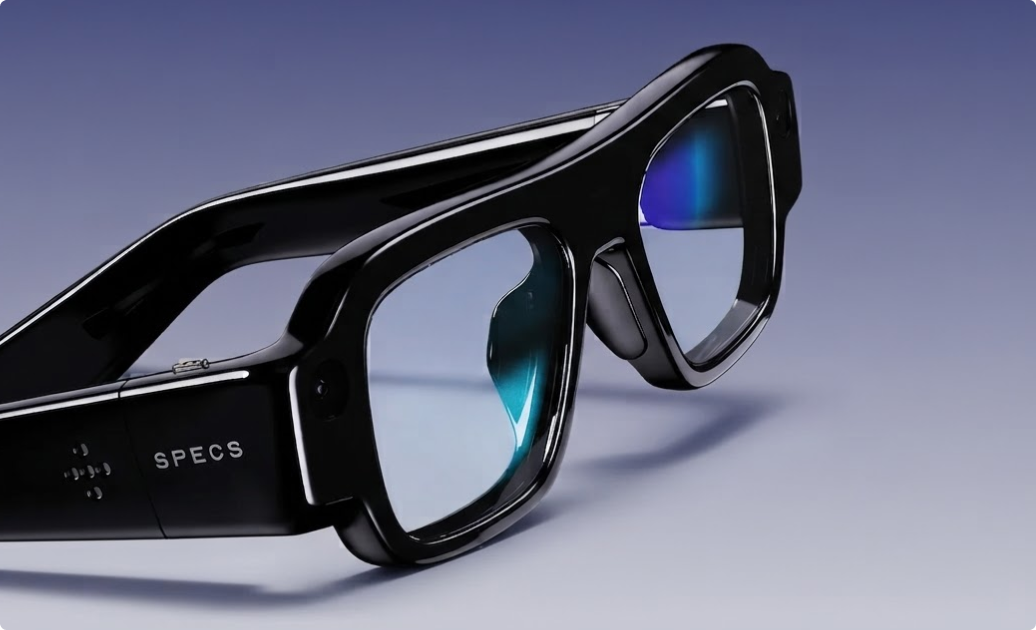
We tried Snap Specs in Los Angeles. Here’s what impressed us, how businesses could use them, and why the enterprise partnerships caught our attention.
3 min read
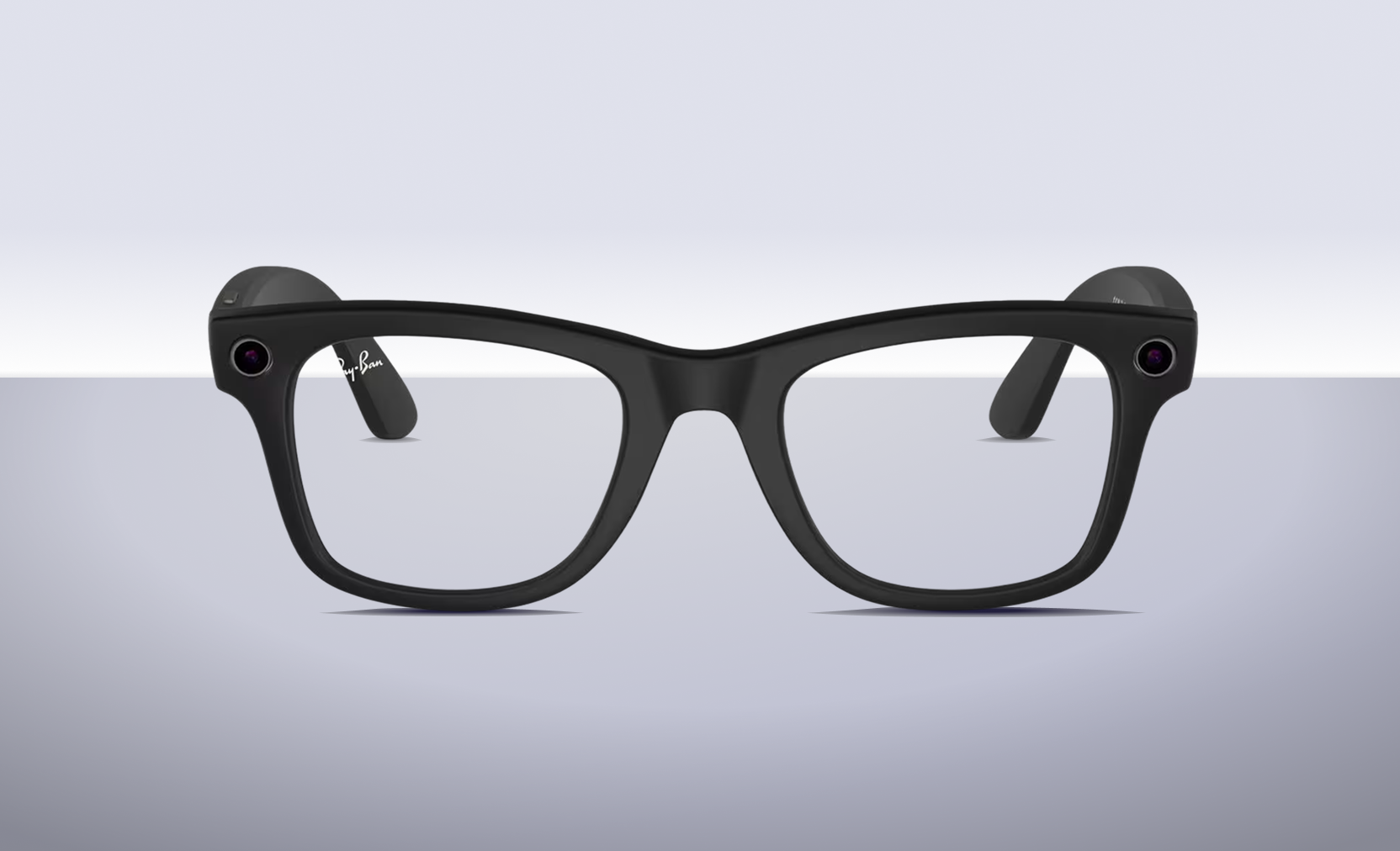
Smart glasses are gaining real momentum. Here's why 2026 is an inflection point, what's changed, and where enterprises are already finding practical use cases.
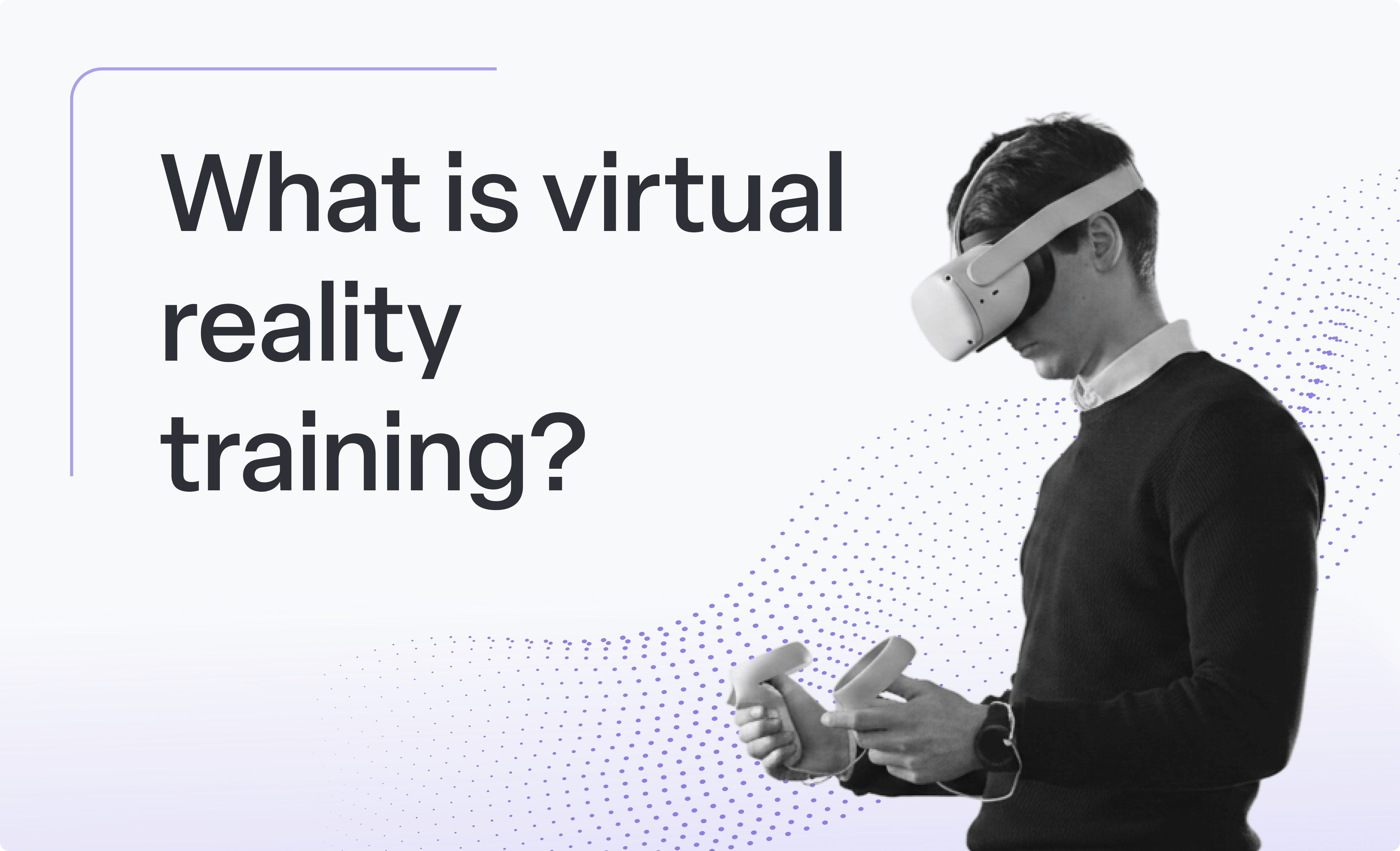
Learn what VR training is, how it works, where enterprises are using it, and what teams should consider before launching a VR training program.
5 min read
7 min read
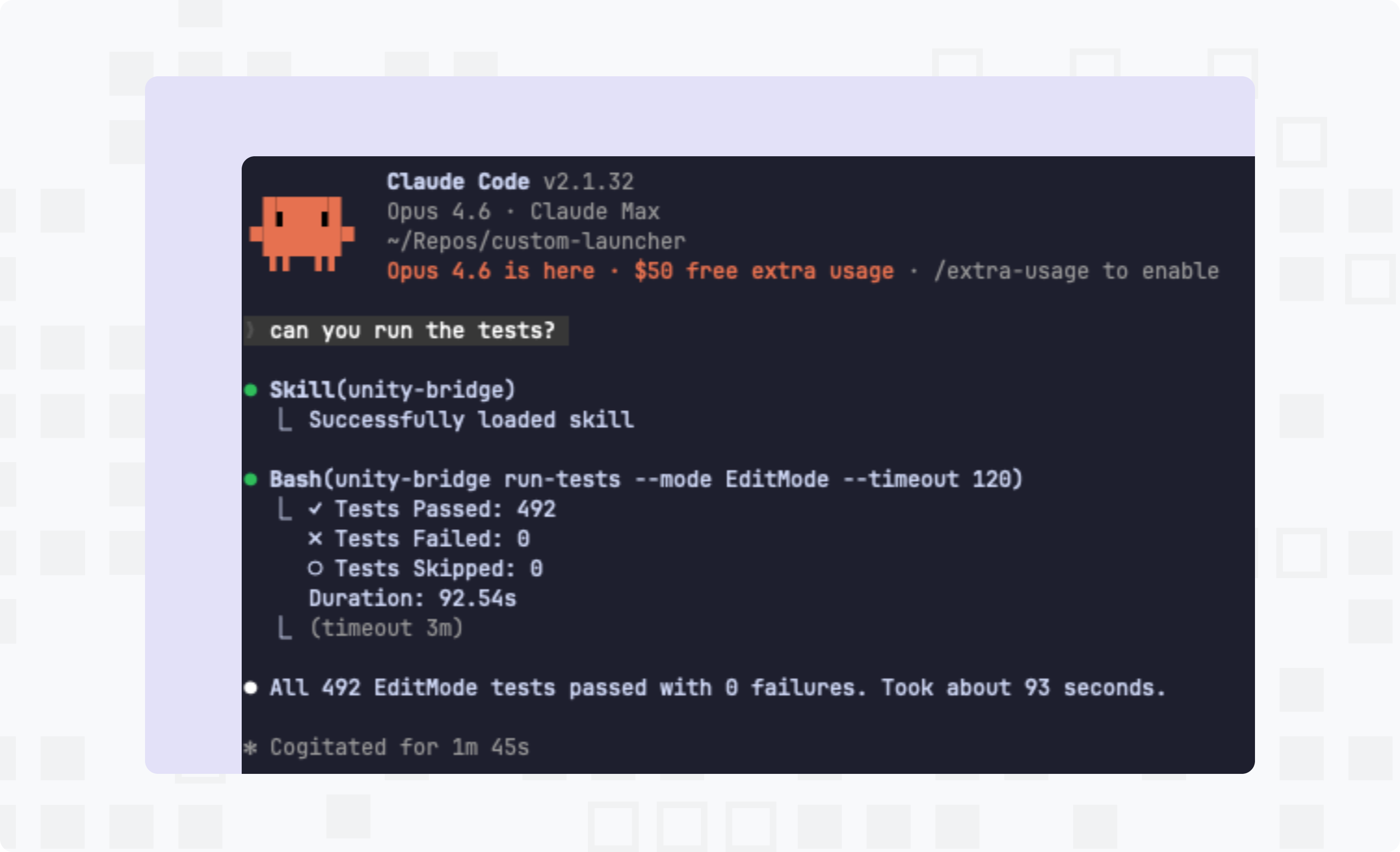
Attention game developers! Meet the Claude Unity Bridge: an open-source tool to let developers use Claude Code to compile, run tests, build fixes, and verify changes in the Unity Editor.
10 min read
Over 900 school districts use ManageXR. Learn our best tips and tricks for running a successful VR classroom.
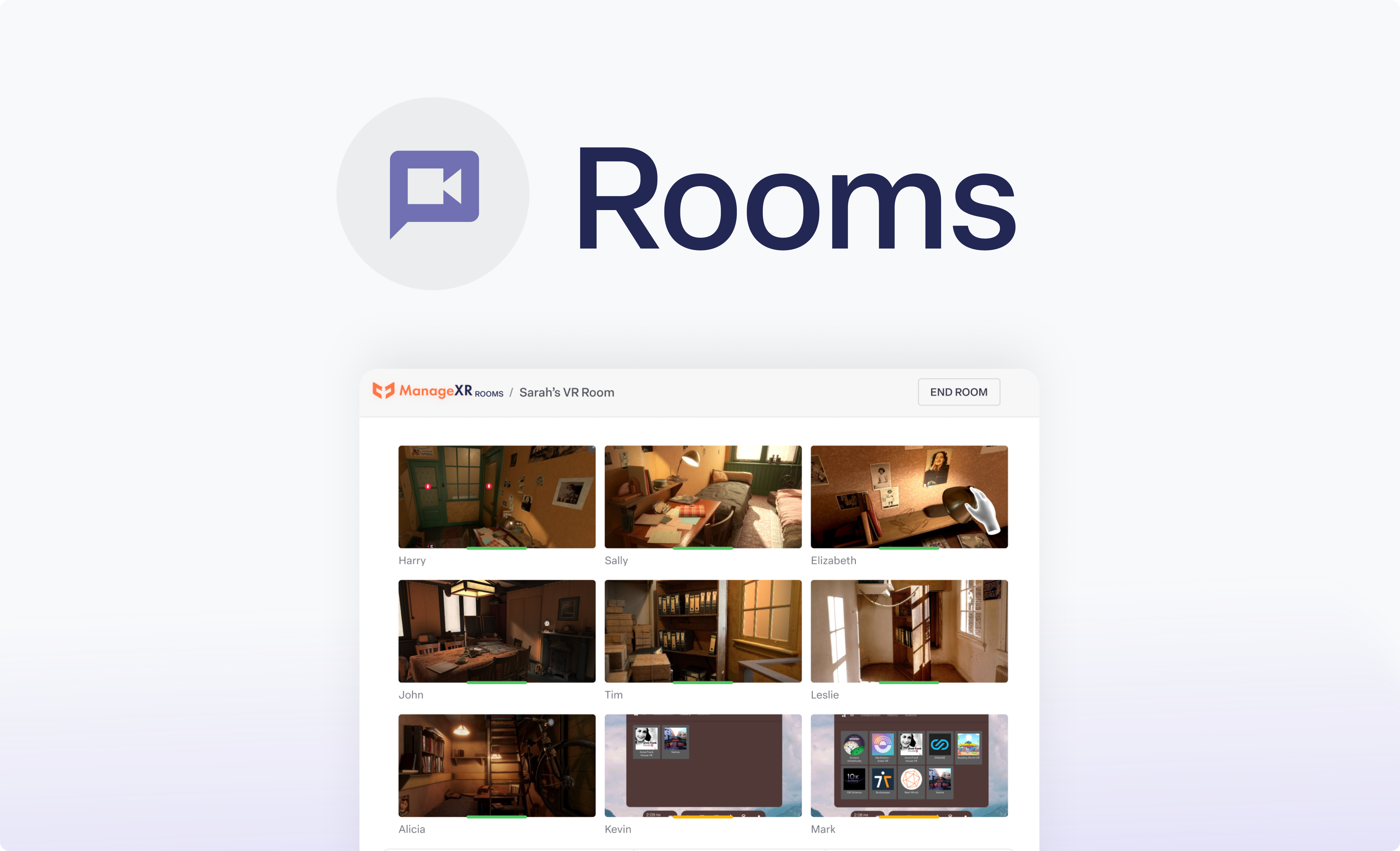
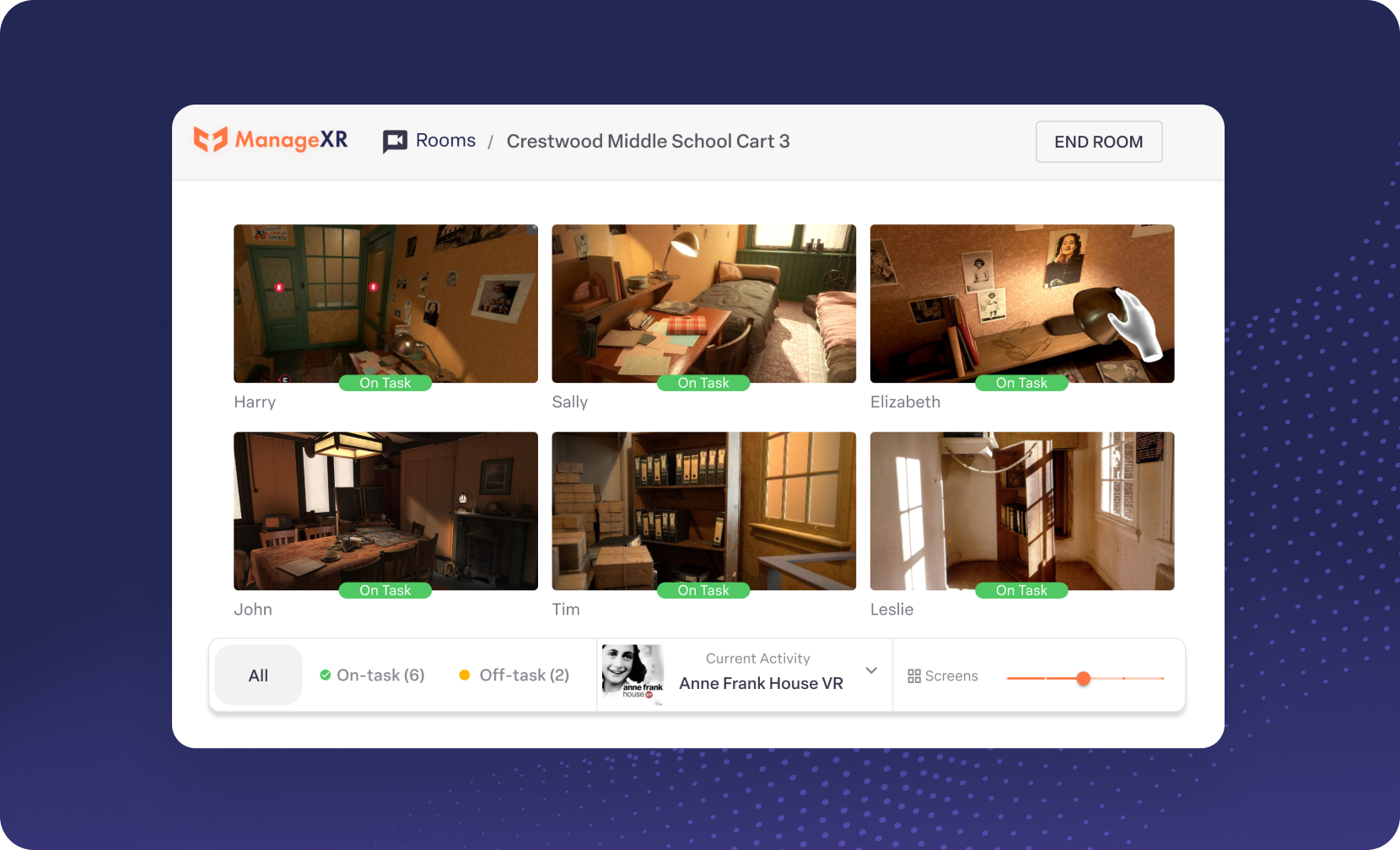
Rooms lets you view and manage all participant screens at once. Sign up for the Beta today.
15 min read
Learn the basics of device management with this hands-on beginner's guide!