
CONTENT MANAGEMENT
Manage and deploy VR content with ease
Upload and push apps and videos to your entire fleet instantly.
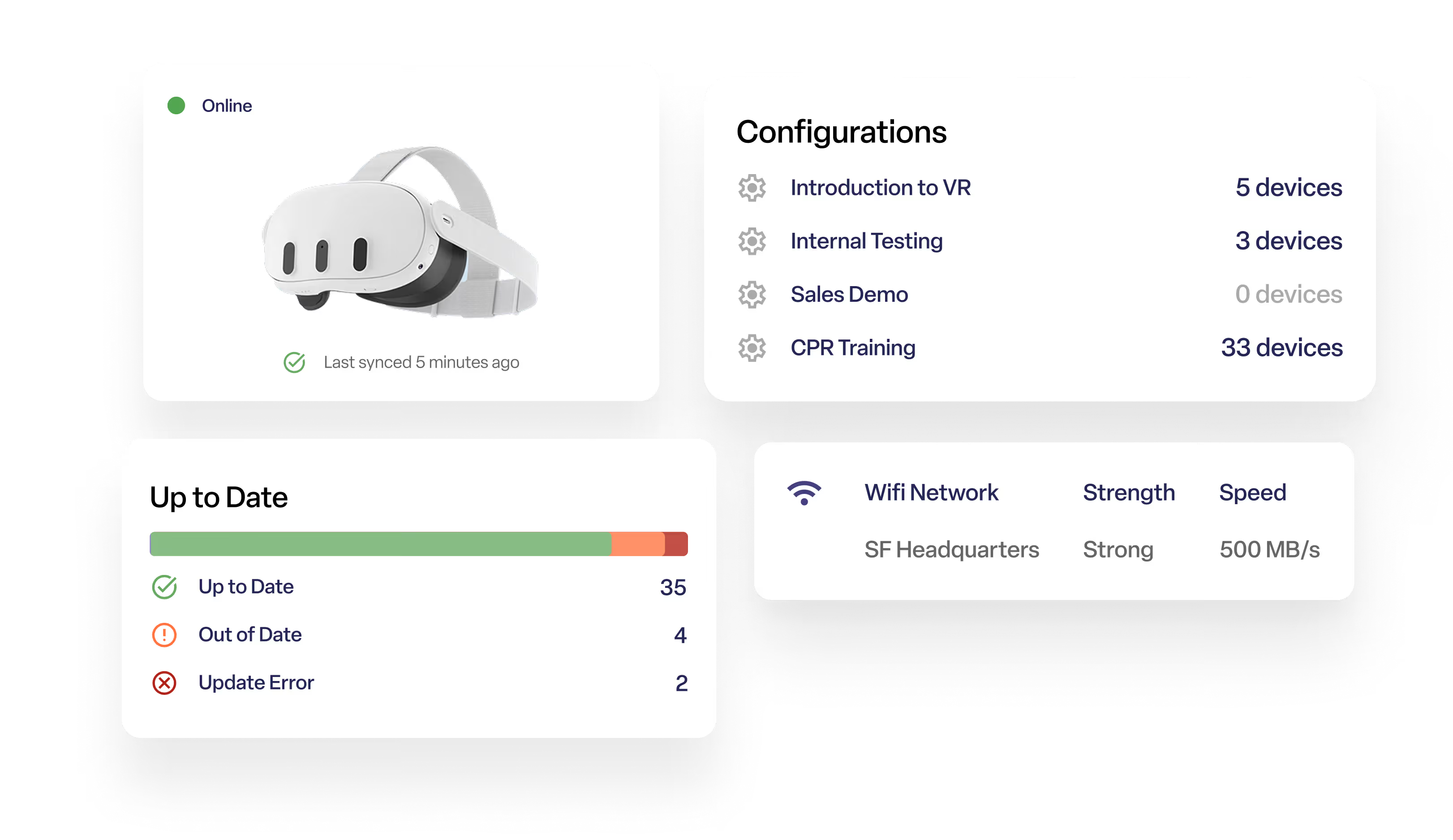
Built for teams managing content at scale
Push apps, videos, WebXR links, and files to one device or your entire fleet.
Know exactly which build is live, where, and roll back in a click.
Bundle every file an app depends on so nothing gets left behind.
Deploy all types of XR content
Simplify device management with streamlined content and settings deployment

Apps
Upload and distribute APKs of any size.

Videos
Watch 360, 180, and 2D videos.

WebXR
Launch WebXR content with a simple link.

Files
Send any file to your device’s file system.
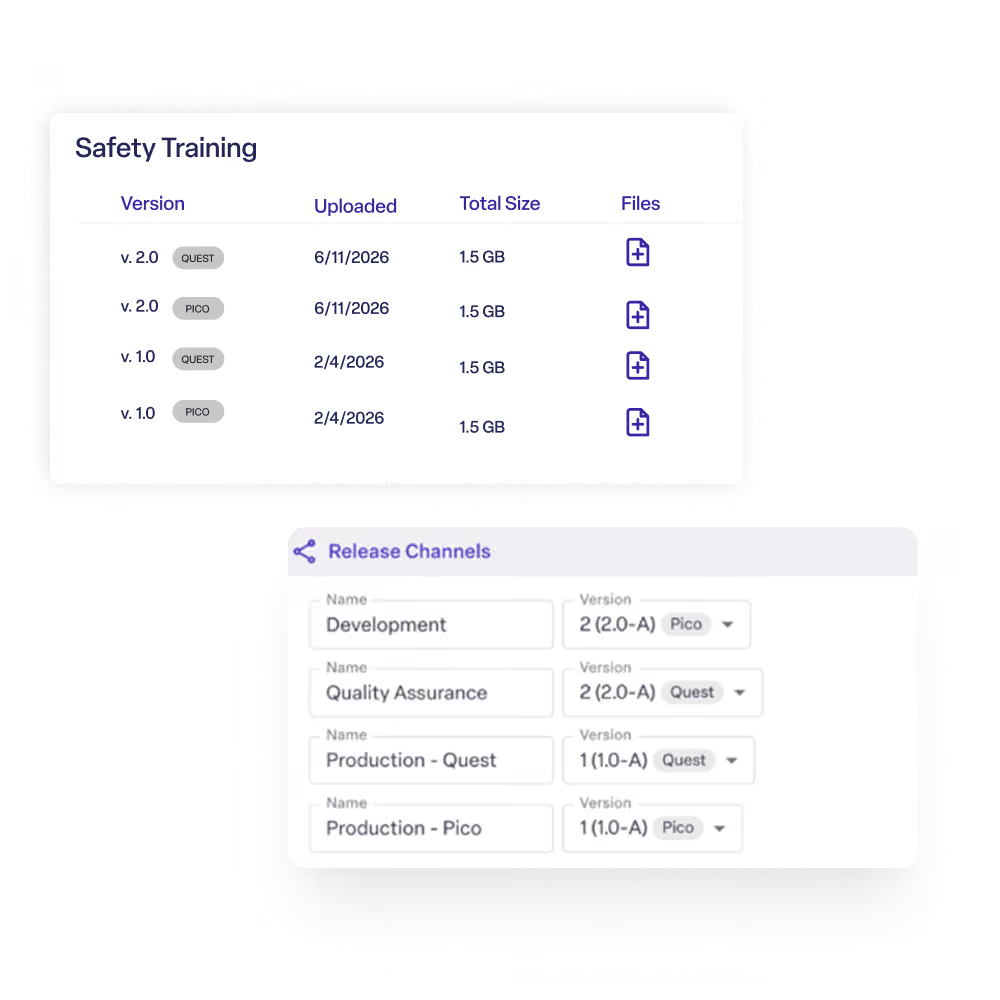
Version management without the guesswork
Host directly on ManageXR release channels to test internally before pushing to customers. No more manually tracking APK and OBB files across environments.
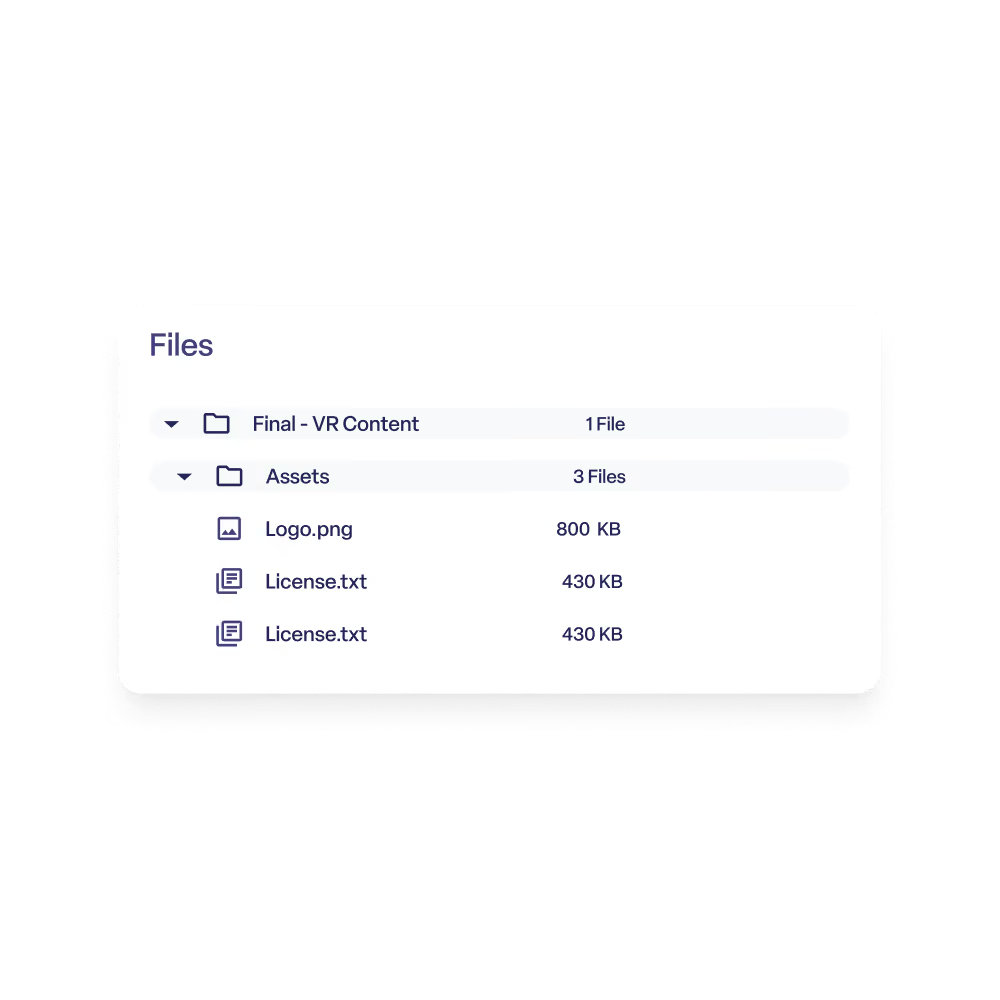
Ensure assets stay together
Distributing an app with dozens of supporting assets? Create nested folders of files alongside your build so every dependency ships together.
Discover new content without leaving ManageXR
Not sure what to deploy next? Browse the ManageXR Marketplace for vetted developers, authoring tools, and ready-to-deploy apps.
Everything you need to manage a VR content library

App versioning
Keep every app version organized in one library. See what's live, what's staged, and roll back instantly if something breaks.

Release channels
Separate internal builds from customer-facing releases. Update a channel once and every device on it gets the new version automatically.

Bundled files
Drag and drop hundreds of supporting files — AssetBundles, MP4s, JSONs — right alongside your app, so nothing gets left behind.

Fast, background updates
Apps patch 2–10x faster than a full reinstall, with minimal bandwidth strain and no interruption to the user.

Marketplace
Browse ManageXR's vetted directory of content providers, authoring tools, and off-the-shelf apps to fill out your library.

Deployment visibility
Track install status in real time across every device, so you always know when a rollout is complete.
Compatible with the leading VR & AR headsets.










FAQs
What types of content can I manage with ManageXR?
ManageXR lets you deploy and manage VR applications, APKs, 360° videos, PDFs, images, web apps, files, and other assets from a single dashboard. Content can be delivered to individual devices, groups, or entire fleets.
Can I remotely deploy app updates?
Yes. Deploy new versions of apps remotely without collecting headsets. You can choose exactly which devices receive an update and when it's installed, making it easy to test releases before rolling them out broadly.
Can I organize content for different teams or locations?
Yes, organize content by customer, location, department, classroom, training program, or any structure that fits your organization. Assign different content libraries to different groups of devices.
Can I control which version of an app devices receive?
Yes. ManageXR lets you manage app versions so you can test new releases with a small group before deploying them to everyone. This helps reduce disruption and gives you more control over updates.
Can I deploy content without users interacting with the headset?
Yes. Content can be delivered remotely in the background, eliminating the need for users to manually install applications or updates.
Does ManageXR support private applications?
Yes. Upload and distribute your own APKs alongside public store apps. This is ideal for organizations deploying proprietary training applications, customer experiences, or internal software.
Can I schedule content deployments?
Yes. Schedule deployments to occur at the most convenient time for your organization, helping minimize disruption during business hours or active training sessions.
What happens if a device is offline?
ManageXR automatically delivers pending content once the device reconnects to the internet. Devices don't need to be online at the exact moment a deployment is initiated.
Can I manage content across thousands of devices?
Yes. ManageXR is built for organizations managing large XR deployments. Whether you're updating 20 headsets or 20,000, content can be deployed consistently from a single platform.
Experience a simpler way to manage VR
Start a 30-day free trial. No credit card required.

