
KIOSK MODE
Transform VR headsets into secure, single-purpose devices
Lock VR and AR devices into a single or multi-app kiosk mode and create a completely custom user experience.

Trusted by thousands of organizations around the world












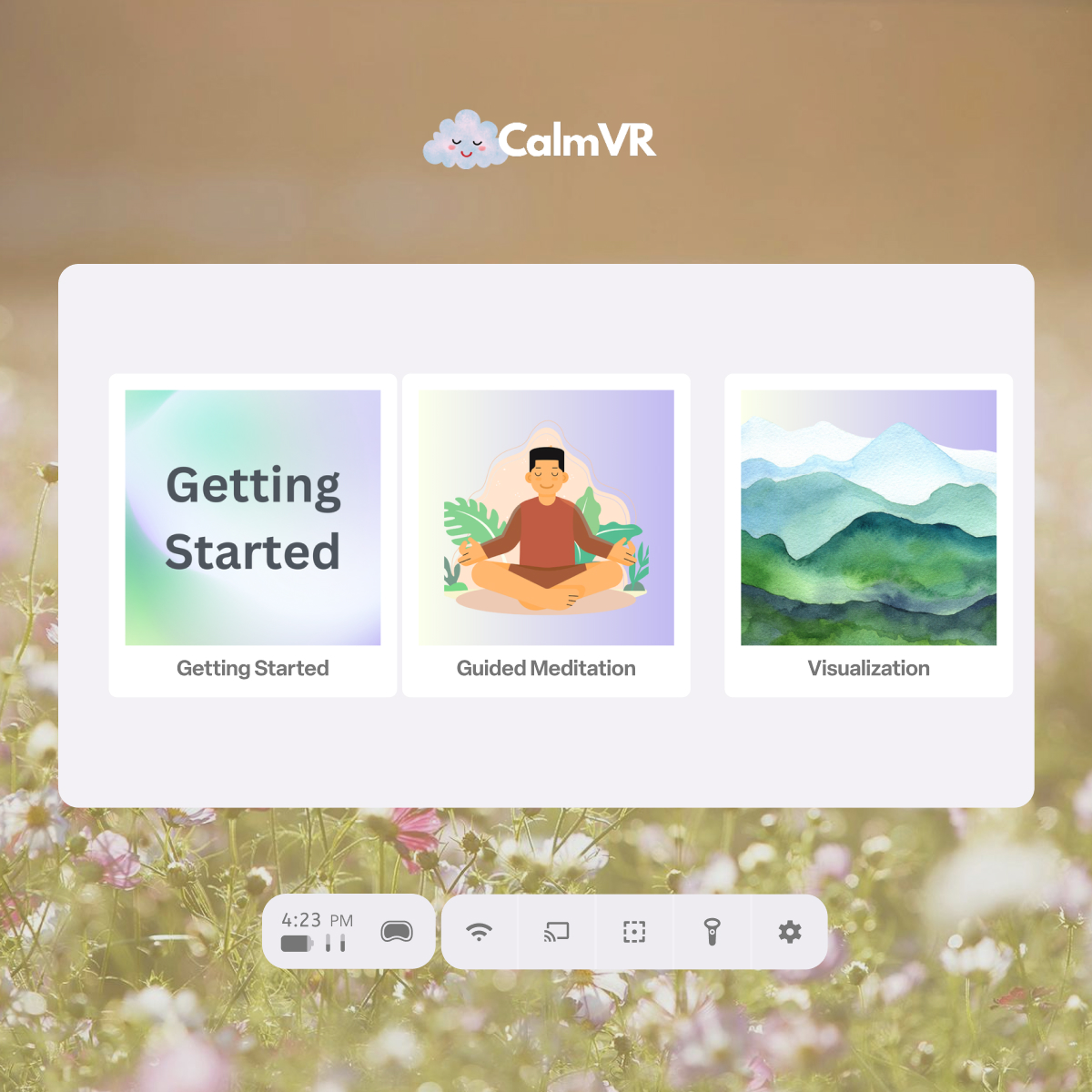
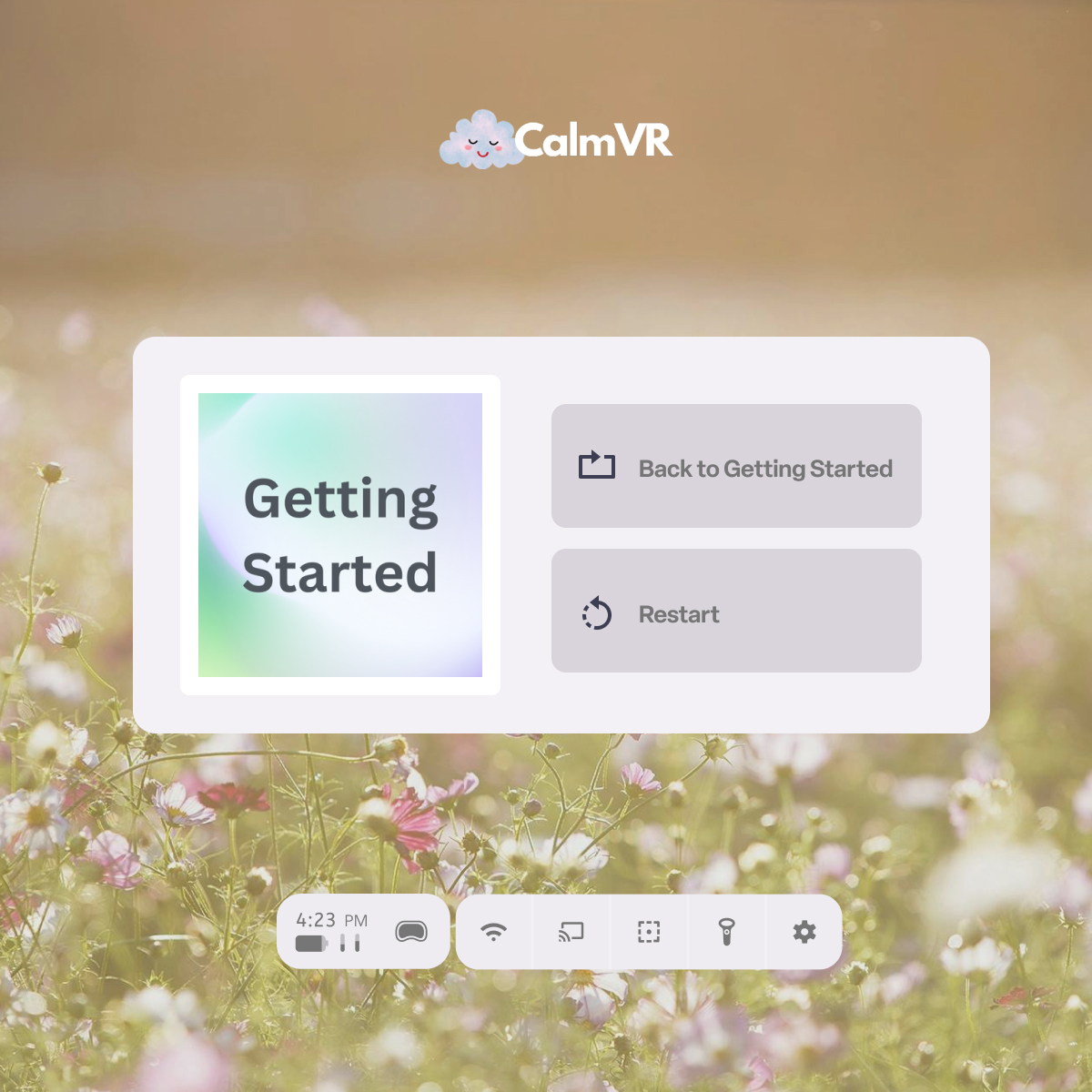
Customize the in-headset experience
Control what users see and do in VR. Kiosk one app or multiple with the ManageXR Home Screen
Flexible and instant updates to your devices
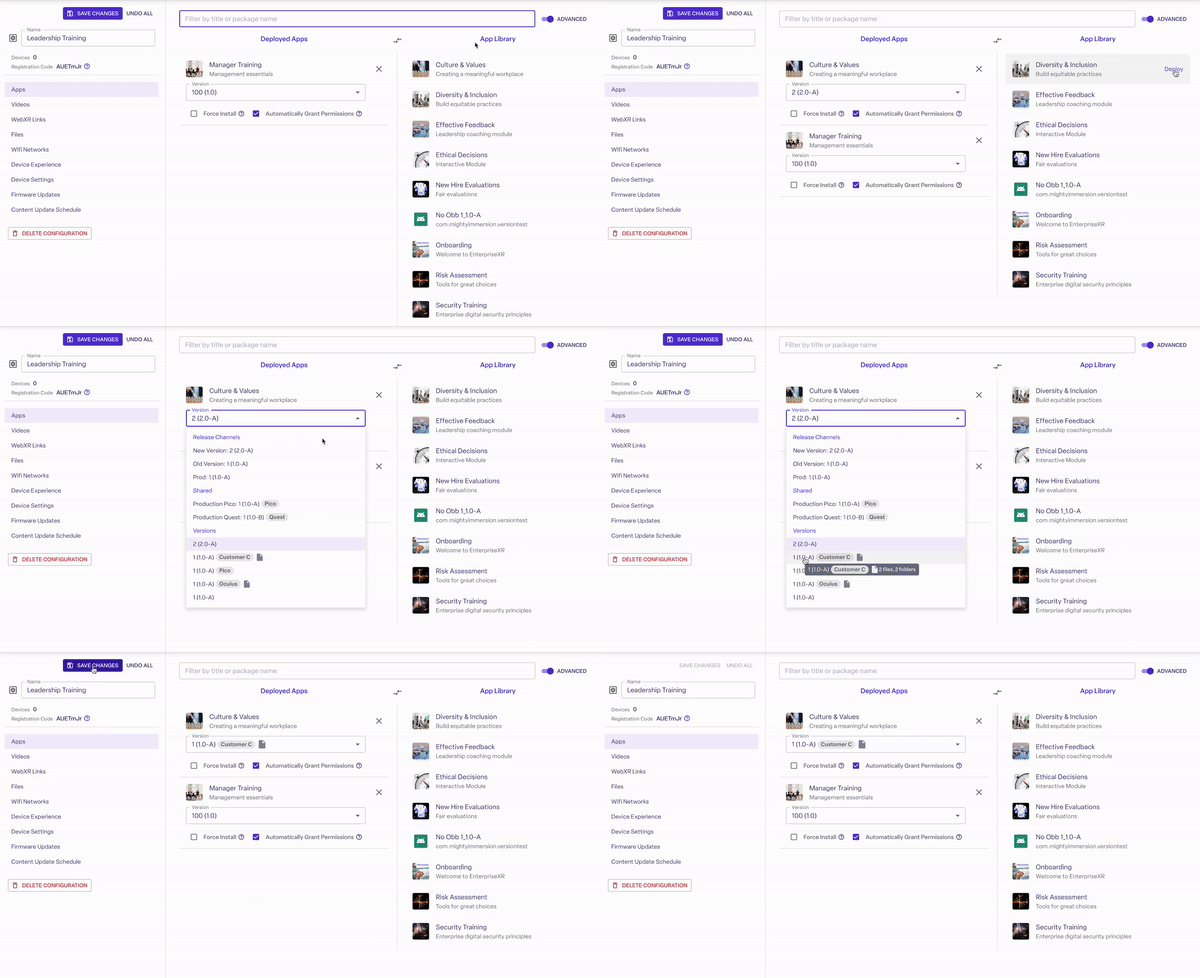
Swap the kiosked app or video remotely. Devices update automatically.
Switch between single-app kiosk, a multi-app Custom Home, or default device menus, per configuration
Push changes to one device or your entire fleet in a single save
Enteprise security out of the box
Soc 2 Type II and ISO 27001 certified
Limit which settings end users can see or change
Remotely wipe devices, disable streaming, and granular user permissions
Compatible with the leading VR & AR headsets.










The foundation for any VR program
Give users a simple experience without menus to get lost in or settings to fumble with.

Educators
Eliminate distractions, keep students on task, and make using VR in the classroom simple.

XR developers
Bring your vision to life and deliver custom in-headset experiences for your customers.

IT teams
Ensure headsets are secure, up to date and limited to approved content across your organization.
Why users choose ManageXR
The platform organizations trust to deploy XR at scale
8+ years of expertise
Focused on XR device management from day one, with years of experience supporting real-world VR deployments.
Trusted by XR Leaders
Built with deep connections across the XR ecosystem, including hardware partners, resellers, and leading XR software providers.
Dedicated to your success
Get support from XR experts at any stage of your deployment.
<2
Hours Response Time
99%
CSAT Score
FAQs
What is Kiosk Mode?
Kiosk Mode locks a device into approved content — a single app, video, or a custom home screen — so users can't reach the default device menus, app store, or settings. It's built to stay reliable no matter how large your fleet is or what firmware version devices are running.
What can I lock a device into?
Three options: a Custom Home screen (your branded launcher with a curated set of content), a single Kiosk App, or a single Kiosk Video. You choose the experience per configuration and apply it to one device or your whole fleet.
Can users get around Kiosk Mode?
No, Kiosk Mode is designed to be unbreakable by end users. On Meta devices running firmware v76+, ManageXR uses Meta's own OEMConfig kiosk method, the same approach used for Meta Horizon-managed devices, for an even more locked-down, secure experience.
How do I temporarily exit or disable Kiosk Mode?
As an admin, you have three options: send a Disable Kiosk command from the ManageXR web console (to one device or in bulk), toggle it off from in-headset Admin Settings (PIN-protected), use the Device Setup Tool if the device is offline. On Pico devices and legacy Meta devices on firmware v76+, disabling Kiosk Mode triggers a device reboot.
Are admin settings protected from end users?
Yes. Admin settings require a PIN that you can change per configuration, so only admins can exit Kiosk Mode or make changes in-headset.
Which devices support Kiosk Mode?
Meta Quest, Pico, and HTC devices. The exact exit and shortcut-menu behavior varies slightly by device and firmware version.
Can I customize the kiosk experience?
Yes. Apply your own branding, colors, and background to the Custom Home screen, and enable the Shortcut Menu to give admins quick in-headset access to key settings without fully exiting Kiosk Mode.
Do I need any technical setup to use Kiosk Mode?
No code or device-side setup required. Kiosk Mode is a setting inside your ManageXR configuration — assign it to a device group and it applies automatically, including to new devices enrolled later.
Experience a simpler way to manage VR
Start a 30-day free trial. No credit card required.

