
ManageXR API
Programmatically control your XR fleet
Embed device management directly into your own platform or automate XR deployments at scale.
Trusted by thousands of organizations around the world













Built for teams who want to go beyond the dashboard
Surface device status, tags, and configuration data inside your own dashboard.
Bulk-update configurations, provision content on purchase, or trigger staged rollouts.
Manage self-hosted, proprietary apps without exposing them to third parties.
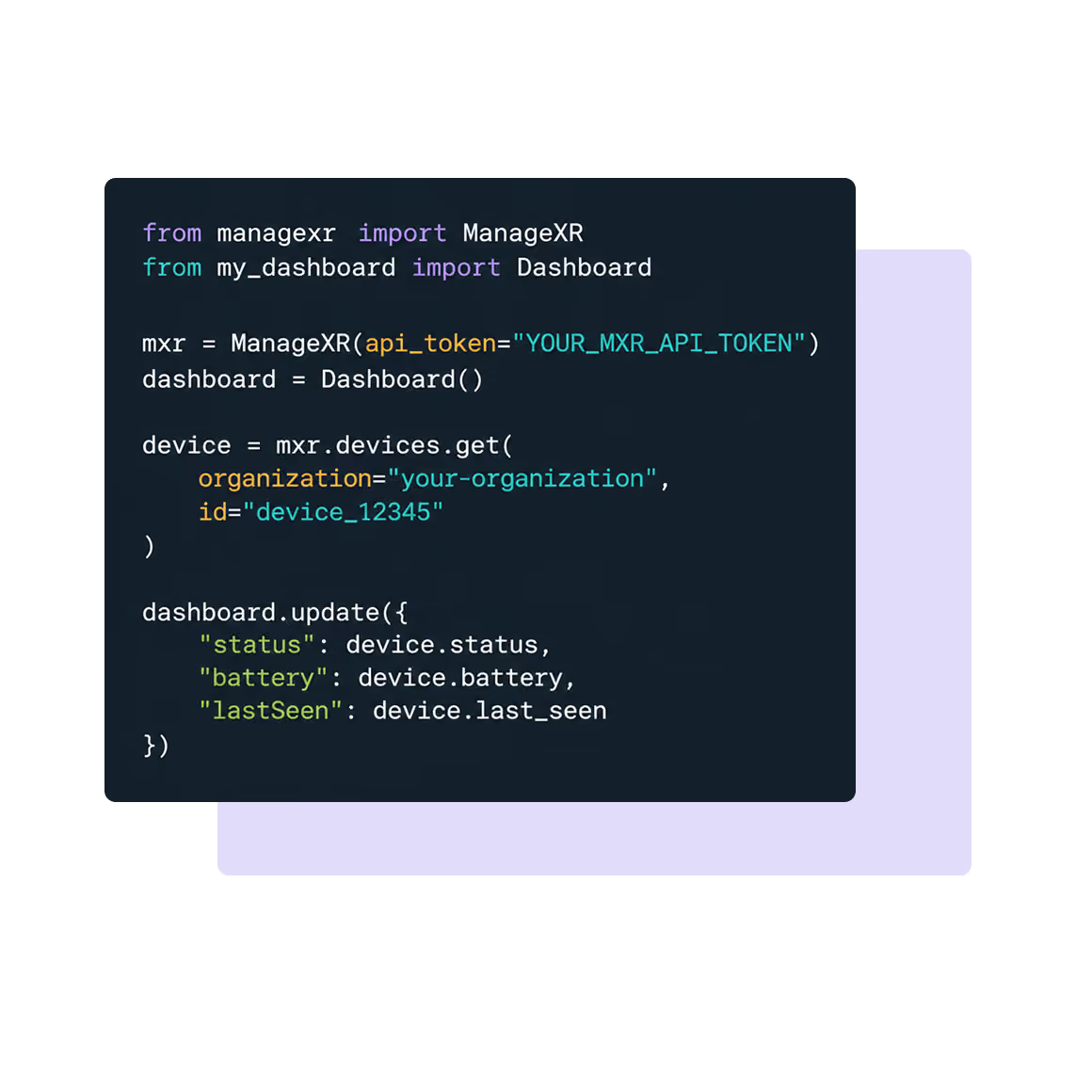
Embedded device management
XR education and enterprise platforms use the API to show ManageXR device data alongside their own product data, so end users never leave their dashboard.
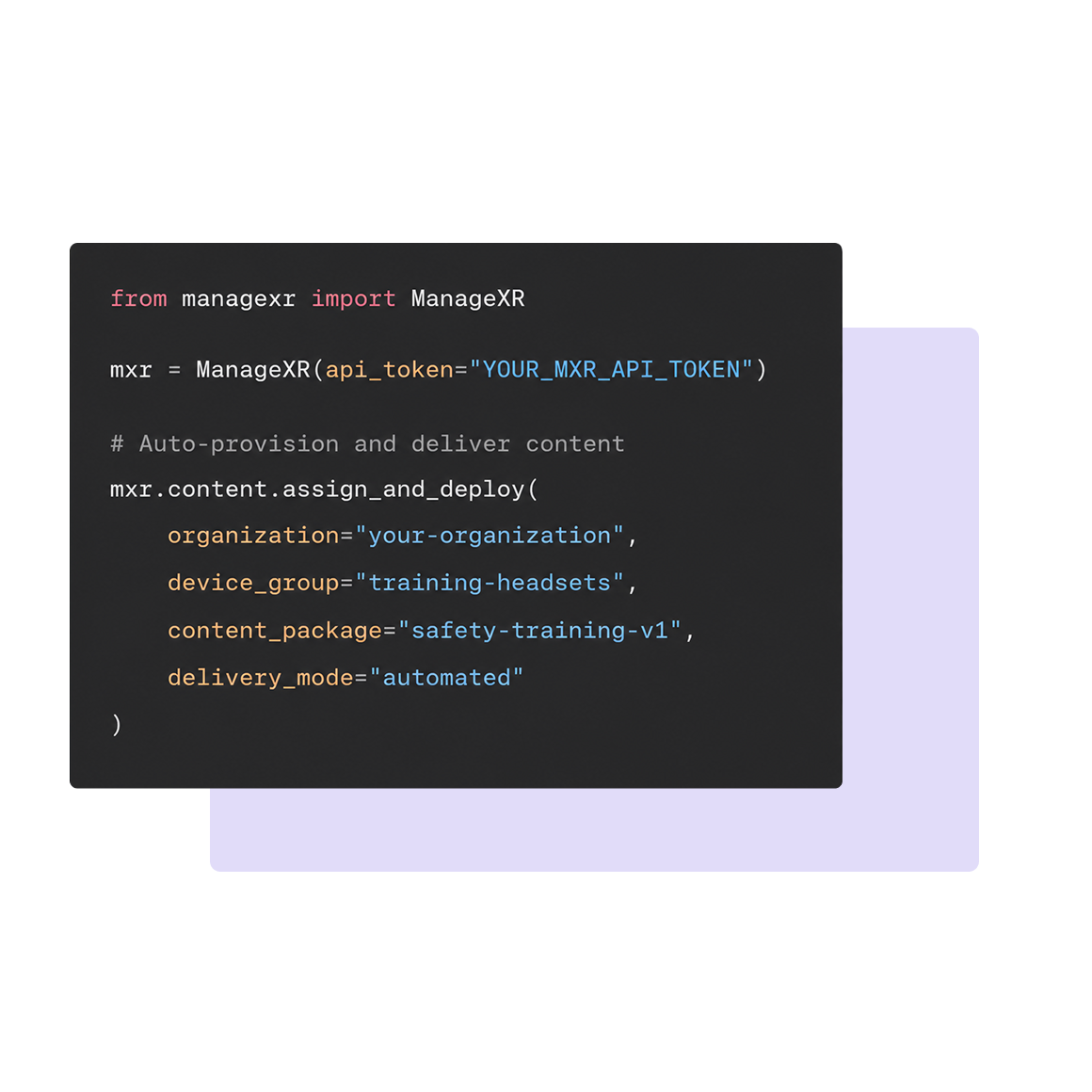
Automated content delivery
Auto-provision devices the moment a customer purchases content through your platform. No manual deployment step.
Full control over your XR deployment

Device management
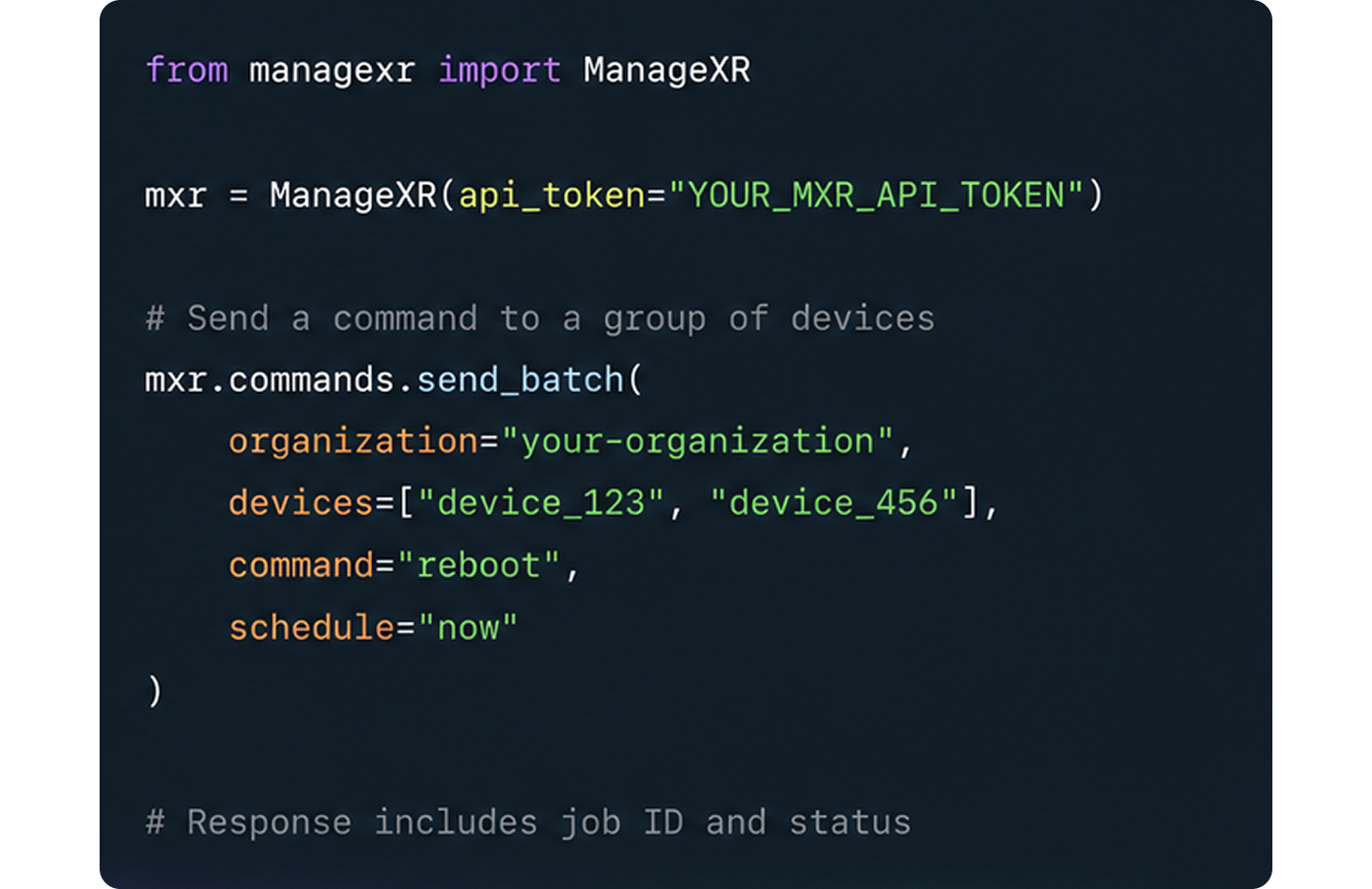
List devices, pull metadata (serial, status, tags, assigned configuration), and edit device properties.

Real-time commands
Send bulk commands to your devices: power off, restart, set volume/brightness, launch app, toggle tutorial mode.

Configurations
Create and edit configurations that bundle content, settings, and firmware. Push updates across your fleet in one call.

Manage content
Deploy and update content libraries, control visibility with the "hidden" property, and manage release channels.

Release management
Stage rollouts, separate internal builds from customer-facing versions, and publish new app versions programmatically.

Self-hosted apps
Create and deploy new versions of privately hosted apps for proprietary or sensitive content.
Compatible with the leading VR & AR headsets.










Why users choose ManageXR
The platform organizations trust to deploy XR at scale

8+ years of expertise
Focused on XR device management from day one, with years of experience supporting real-world VR deployments.

Trusted by XR Leaders
Built with deep connections across the XR ecosystem, including hardware partners, resellers, and leading XR software providers.

Dedicated to your success
Get support from XR experts at any stage of your deployment.
<2
Hours Response Time
99%
CSAT Score
FAQs
What is the ManageXR API, and how does it help XR deployments?
The ManageXR API is an Application Programming Interface that allows developers to integrate ManageXR’s device management features directly into their own apps or platforms. It helps automate XR device management tasks such as updating configurations, deploying apps, and controlling device behavior, saving time and reducing manual work.
What kinds of device management tasks can I perform with the API?
With the ManageXR API, you can:
- Retrieve device information (tags, status, configurations)
- Deploy and update apps, videos, and WebXR links
- Send real-time commands like power off, restart, or launch app
- Create and deploy self-hosted apps
- Schedule content visibility
- Automate staged rollouts of configuration updatesms can be used for all VR headset models supported by ManageXR. For Meta devices, they must be running firmware version 68 or higher to view the screen.
Who typically uses the ManageXR API?
The API is designed for independent software vendors (ISVs), XR platform providers, and enterprise teams running large-scale XR deployments. Education providers, training organizations, and companies with proprietary XR applications often use the API to embed device management features directly into their platforms.
Can the ManageXR API support custom automation?
Yes. The API enables you to automate repetitive workflows, such as updating all configurations simultaneously, rolling out new app versions to select users, or provisioning content immediately after purchase in your own portal. This flexibility helps teams scale XR deployments efficiently.
Does the ManageXR API support self-hosted or private apps?
Yes. If you manage sensitive or proprietary content, the API supports creating and deploying new versions of self-hosted apps stored on your private cloud or local server, ensuring full control over content security and distribution.
How can I get access to the ManageXR API?
You can request API access through your ManageXR account. Documentation with instructions to access the API is available here, or you can contact the ManageXR team directly to explore API features for your organization.
Start building with the ManageXR API
Everything you need to manage XR devices programmatically.

