Manage XR Logo, with orange shield icon and dual-colored typography
Product

Product

VR/AR Device Management

Manage XR devices at any scale.

Content Management

Deploy and update XR content remotely.

Kiosk Mode

Lock devices into the right experience.

Rooms

Guide group VR sessions with ease.

Analytics

Measure device usage and prove ROI.

ManageXR API

Embed XR management into your platform.

Smart Glasses
Beta

AI copilots, remote assist, and automatic documentation.

Page Four

Lorem ipsum dolor sit amet consectetur elit

8 min read

Platform overview

See how ManageXR works

Explore the interactive demo
Solutions

GET STARTED

Education

Turn headsets into powerful learning tools

Developers

Manage the user experience at scale

Healthcare

Secure devices for clinical-ready use

Enterprise

Implement technology with security

Page Four

Lorem ipsum dolor sit amet consectetur elit

8 min read

Customer Story

How MDI Uses Rooms to Run VR Career Training for People with Disabilities

Read more
By Device

devices

Meta Quest
PICO
Android XR
HTC Vive
Lenovo
DPVR
Magic Leap
Samsung
Vuzix
Real Wear
View All
Resources

GET STARTED

Procure Hardware

Buy devices from vetted resellers

Find Content

Demo apps or custom content

Practical Guide

Set up your deployment for success

Page Four

Lorem ipsum dolor sit amet consectetur elit

learn

Blog

Get the latest insights and trends

Customer Stories

See ManageXR in action

Webinars

Lorem ipsum dolor sit amet consectetur elit

Events

Meet the ManageXR team

CUSTOMERS

Help Center

View tech docs and guides

Support

Get top-rated support from experts

Public Roadmap

See what’s ahead and submit requests

Page Eight

Lorem ipsum dolor sit amet consectetur elit

Try an interactive product demo

About

about

About Us

Learn about the company and team

Newsroom

ManageXR product in the news

Testimonials

Hear thoughts from our customers

Become a Partner

Join our ecosystem of partners

Page Four

Lorem ipsum dolor sit amet consectetur elit

Blog

Using AI Smart Glasses for Frontline Remote Assistance

Read more

About Us

About Us

Learn about the team

Newsroom

ManageXR in the news

Testimonials

Hear from our customers

Become A Partner

Join our ecosystem

Start Free Today

Pricing
Product
VR/AR Device Management
Content Management
Kiosk Mode
Rooms
Analytics
ManageXR API
Smart Glasses (Beta)
Solutions
Education
Developers
Healthcare
Enterprise
By Device
Meta Quest
PICO
HTC Vive
Lenovo
Samsung
DPVR
Magic Leap
Real Wear
Vuzix
View All Supported Devices
Resources
Get started
Procure Hardware
Find Content
Practical Guide
Learn
Blog
Customer Stories
Events
Customers
Help Center
Support
Public Roadmap
About
About Us
Testimonials
Newsroom
Become a Partner
Pricing
Sign InStart Free Trial
Sign Up

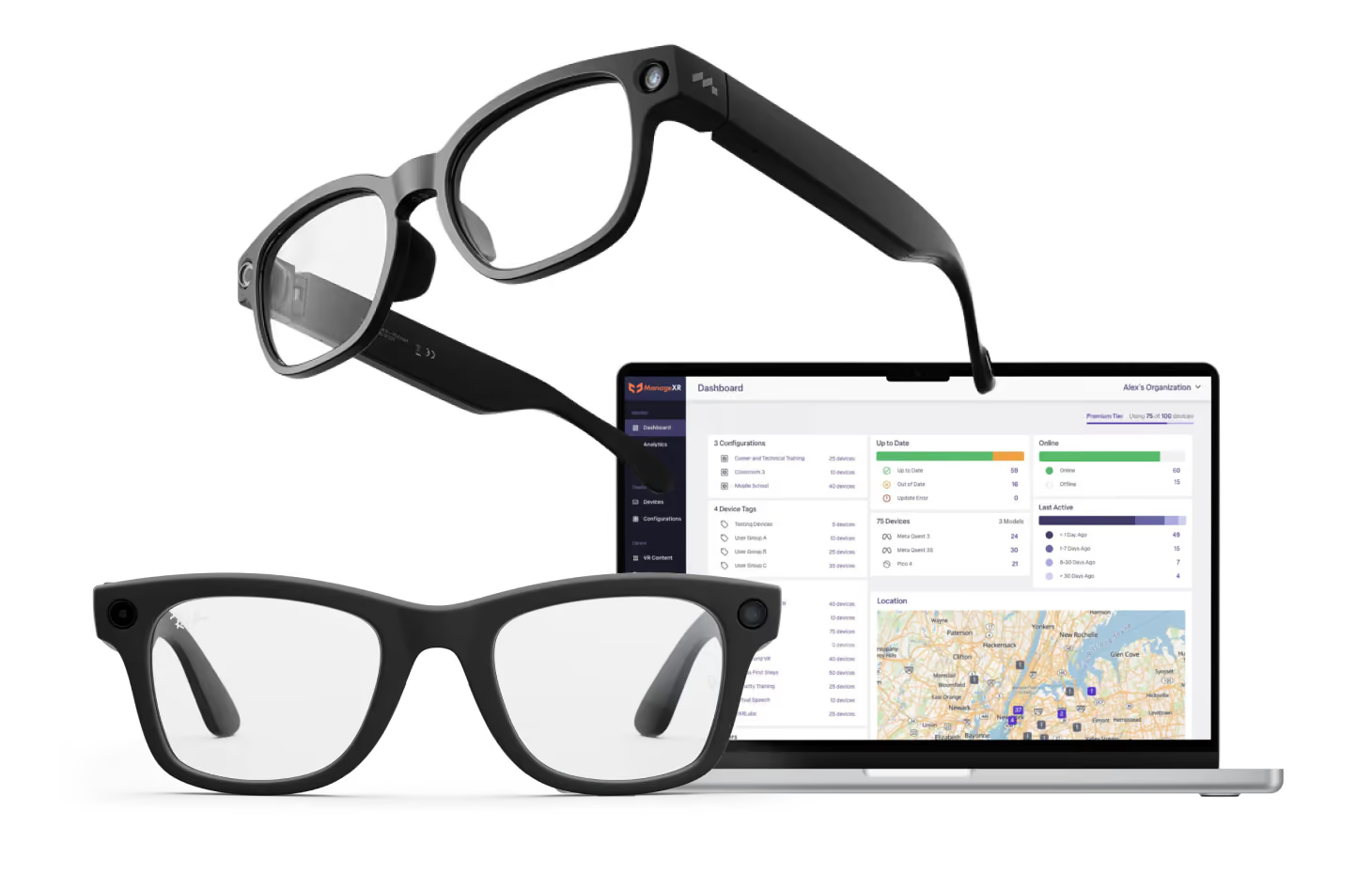
AI Smart glasses

Remote Assistance for Frontline Teams

AI copilots follow your procedures, guide workers through each task, and automatically document every session.
Thank you! Your submission has been received!
Oops! Something went wrong while submitting the form.

One platform, designed for your team.

know

AI copilots built on your knowledge.

Get guidance grounded in your company’s documentation and know-how, hands-free.

Guide

Bring your expert into the field.

Share the worker’s point of view and talk through the task with two-way audio.

Prove

Do the work. Keep the details.

Capture sessions as they happen and turn them into reports that fit your documentation.

AI copilot
Line 3 · Hands-free
Technician
“What’s the reset procedure for a Fault 3?”
Copilot
“Lock out breaker B and wait 30 seconds. Then reset it and restart Line 3 from the main panel.”
Sources
Line 3 SOP · Section 4.2
Electrical safety policy · p. 6
Answers come only from your approved documents.
Session log
Line 3 · Remote assist
02:12
Technician
“Line 3 is throwing a fault at the panel.”
02:13
Seen
Vision
Worker is examining an industrial control panel with illuminated buttons and switches.
02:14
Read
OCR
FAULT 3 · BREAKER B
02:15
Remote expert
“Reset breaker B on the left, then restart Line 3.”
02:16
Technician
“That did it. Line 3 is running.”
02:41
Session
Session ended · report saved
Line 3 fault · Field report
Drafting…
Ready to file
Asset
Line 3 · Panel B
Technician
Field tech
Duration
2m 41s
Summary
Fault 3 on Line 3 traced to breaker B. Breaker reset with remote support; line restarted with no downtime.
Actions taken
✓
Locked out and reset breaker B
✓
Restarted Line 3 from main panel
Evidence
Session recording
Video · 2m 41s
Panel B photos
2 images
Voice notes
Audio · 3 clips
Use cases

Expert guidance for every job

Give frontline teams hands-free assistance, step-by-step guidance, and automatic documentation, powered by your company’s knowledge.

Troubleshooting & repair

Diagnose equipment issues with AI copilots grounded in your manuals and procedures.

Inspections & audits

Guided inspections with automatic evidence capture and audit-ready reports.

Remote expert support

Connect frontline workers with experts who can see what they see and guide them live.

Training & onboarding

Help new workers learn on the job with step-by-step guidance and company knowledge.

Maintenance & service

Access equipment history, service procedures, and expert guidance while you work.

Reporting & documentation

Automatically turn work sessions into structured reports, recordings, and reusable knowledge.

FAQs

What brands of smart glasses will be supported on ManageXR?

We're designing ManageXR to support the major enterprise smart glasses platforms as the market evolves. If you have a particular device or deployment in mind, we'd love to hear from you. Your feedback helps shape our roadmap.

Can I manage smart glasses with ManageXR? 

Smart glasses are a natural extension of ManageXR, and we're actively exploring how device management should work for this new category. While it's still early and we aren't ready to announce timelines or feature sets, our long-term vision includes bringing the same reliable deployment and management experience to smart glasses.If you're evaluating smart glasses today, we'd love to learn about your requirements.

I have a problem I want to solve with smart glasses but don't know where to start.

Connect with us at ManageXR Labs! Our R&D team works with organizations to evaluate smart glasses use cases, validate ideas, and build custom solutions that solve real frontline problems. Whether you're exploring a pilot or already have a deployment in mind, we'd be happy to talk through your goals and help you figure out the right path forward.

Put smart glasses to work on your front line

Join the private beta or explore a pilot with ManageXR Labs, our applied R&D team.

Join the private betaExplore ManageXR Labs
Manage XR Logo, with orange shield icon and dual-colored typography
Contact:
hello@managexr.com
ManageXR
HomeProductPricingGet a DemoLinkedIn
Solutions
EducationDevelopersHealthcareEnterprisePartners
Resources
BlogCustomer StoriesHelp CenterProduct RoadmapPractical GuideTrust Center
Company
About UsNewsroomCareersWebinarsEventsSupportTestimonials
© 2026 Mighty Immersion, Inc. All rights reserved.
Privacy PolicyTerms of ServiceCookie Policy