Manage XR devices at any scale.
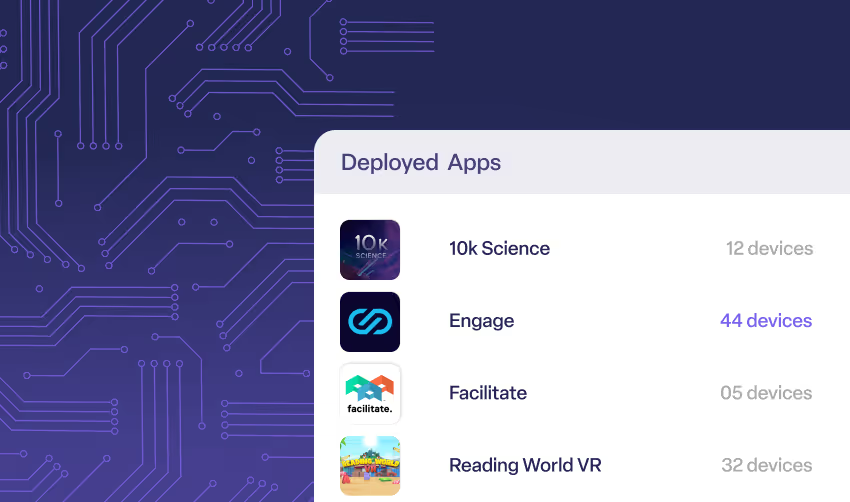
Deploy and update XR content remotely.
Lock devices into the right experience.
Guide group VR sessions with ease.
Measure device usage and prove ROI.
Embed XR management into your platform.
Lorem ipsum dolor sit amet consectetur elit
8 min read
Turn headsets into powerful learning tools
Manage the user experience at scale
Secure devices for clinical-ready use
Implement technology with security
Buy devices from vetted resellers
Demo apps or custom content
Set up your deployment for success
Get the latest insights and trends
See ManageXR in action
Meet the ManageXR team
View tech docs and guides
Get top-rated support from experts
See what’s ahead and submit requests
Try an interactive product demo
Learn about the company and team
ManageXR product in the news
Hear thoughts from our customers
Join our ecosystem of partners
Learn about the team
ManageXR in the news
Hear from our customers
Join our ecosystem
Save apps from the Meta Horizon Managed App Store and deploy them to your Quest devices. Easily deliver popular VR apps for education, training, collaboration, and more to your users!
Learn what HMS is and how it unlocks Quest devices for business and education.
min read
3 min read
Learn how Meta Quest Shared Mode devices use Sessions to distinguish users.
6 min read
Built for XR developers, ISVs, and clients. We make deploying content easy.
2 min read
ManageXR is SOC 2 certified. Understand what this means for your deployment.
4 min read
XR deployments need an XR MDM. Read on to understand why.
1 min read
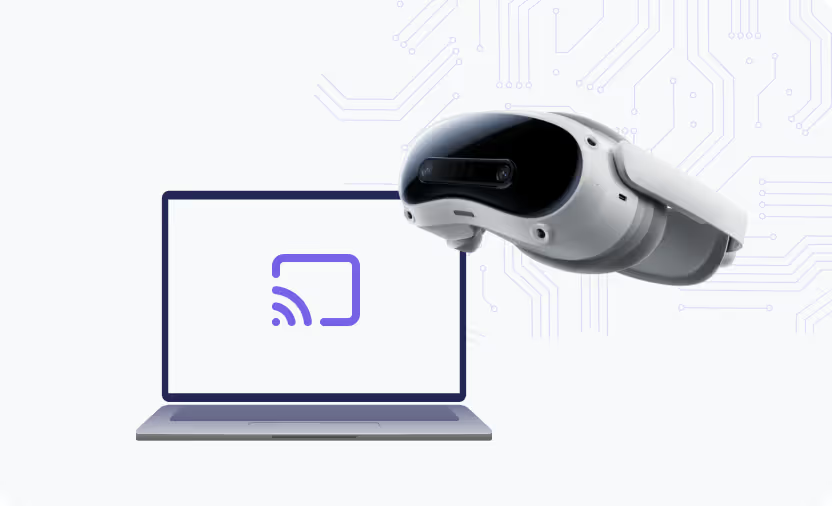
Guide users, troubleshoot with complete clarity, and stream multiple devices.
Use configurations to bundle content and settings, then deploy to your devices with ease.
See why customers choose ManageXR as their preferred XR MDM.
Explore our marketplace to find XR apps, connect with content developers, and access essential resources.
Release Channels simplify and centralize application versioning and updating for content developers, ISVs, and content platforms.